
How to Legally Sign a Document Online (Are E-Signatures Binding?)
Over the past decade of consulting with digital entrepreneurs and SMBs, one of the most frequent questions I hear when drafting compliance policies is: "Prosun, how can I legally sign a document online without having to print, sign, and scan it back?"
It is a completely valid concern. We conduct almost all of our business online, yet when it comes to executing high-stakes legal contracts—like NDAs, vendor agreements, or LLC formation documents—many business owners suddenly freeze, wondering if an electronic signature will actually hold up in court.
In this comprehensive guide, I am going to break down the legal framework behind electronic signatures, definitively answer whether they are legally binding, and show you exactly how to execute them securely.
Are Online Signatures Legally Binding?
Let's address the elephant in the room first. Yes, online signatures are completely legally binding.
In the United States, the validity of electronic signatures was cemented in the year 2000 with the passage of the ESIGN Act (Electronic Signatures in Global and National Commerce Act) and the UETA (Uniform Electronic Transactions Act). Similarly, in the European Union, the eIDAS regulation established a standardized framework for electronic identification and trust services.
These laws effectively state that a signature, contract, or other record relating to a transaction may not be denied legal effect, validity, or enforceability solely because it is in electronic form.
However, there is a massive caveat that many beginners miss: Not all digital marks are created equal.
The Danger of "Fake" E-Signatures
I have seen countless business owners try to take a shortcut by simply pasting a transparent PNG image of their handwritten signature onto a PDF, or typing their name in a cursive font in Microsoft Word, and saving the file.
While this might suffice for an informal internal memo, it is incredibly dangerous for binding legal contracts. Why? Because there is no verifiable audit trail. If the other party claims they never signed the document (a legal defense known as repudiation), an image pasted on a PDF offers you absolutely zero proof of their identity or intent.
Get a 3-day free trial and enjoy your first 3 months for just $1/month on Shopify!
Claim Shopify Offer →Recommended Legal & Business Tools
*Disclosure: We may earn a commission if you use these partner links.
How to Legally Sign a Document Online (The Right Way)
To ensure your signed documents are ironclad and enforceable in a court of law, you must use a dedicated, compliant e-signature platform. A compliant platform provides three critical layers of legal protection:
- Authentication: It verifies the identity of the signer (typically via email authentication, SMS, or IP tracking).
- Intent to Sign: It clearly requires the user to take a definitive action (like clicking "I Agree" or adopting a digital signature) to demonstrate intent.
- Cryptographic Audit Trail: The software generates a secure, tamper-evident digital certificate that records the exact time, date, IP address, and identity of the signer. If the document is altered after signing, the seal is broken.
Can I Sign Legal Documents Electronically? The Best Tools
Yes, you can sign almost anything electronically, from employment contracts to complex B2B agreements. To do this safely, you need the right software.
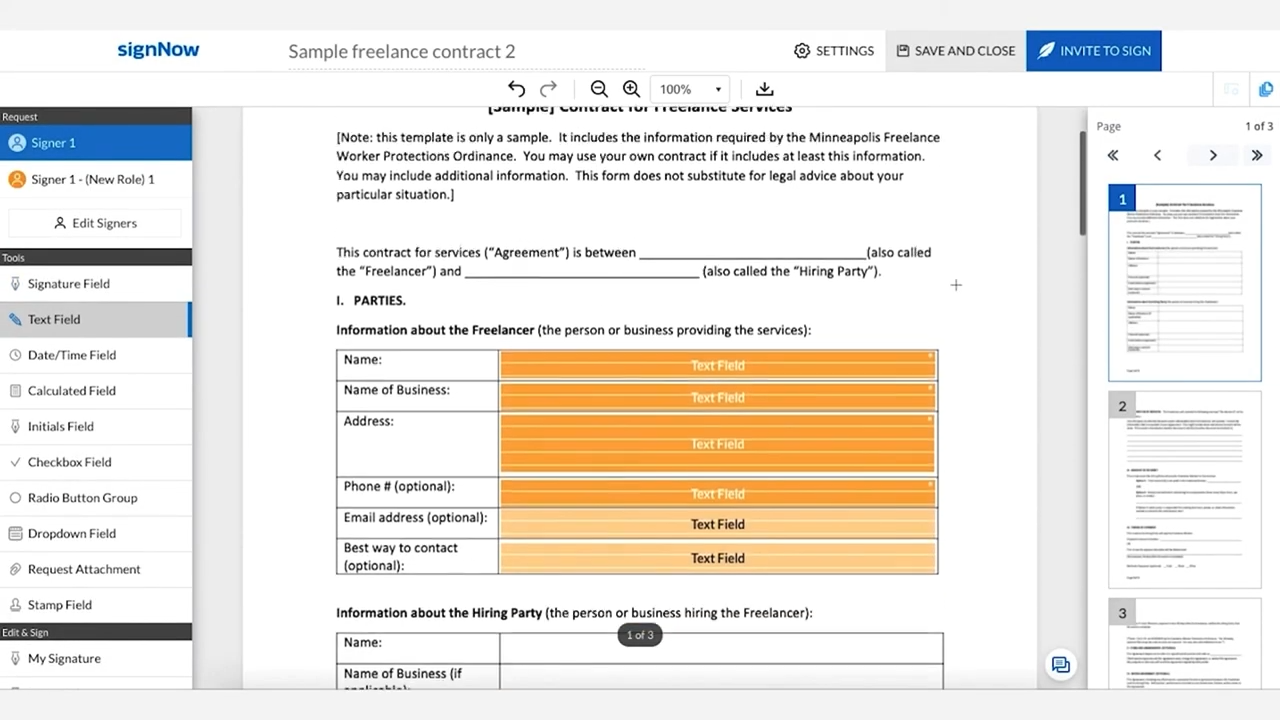
Based on my experience, I highly recommend signNow for businesses that need a robust, enterprise-grade e-signature solution. It is incredibly secure, deeply integrates with other business tools, and provides legally binding audit trails that hold up in court.
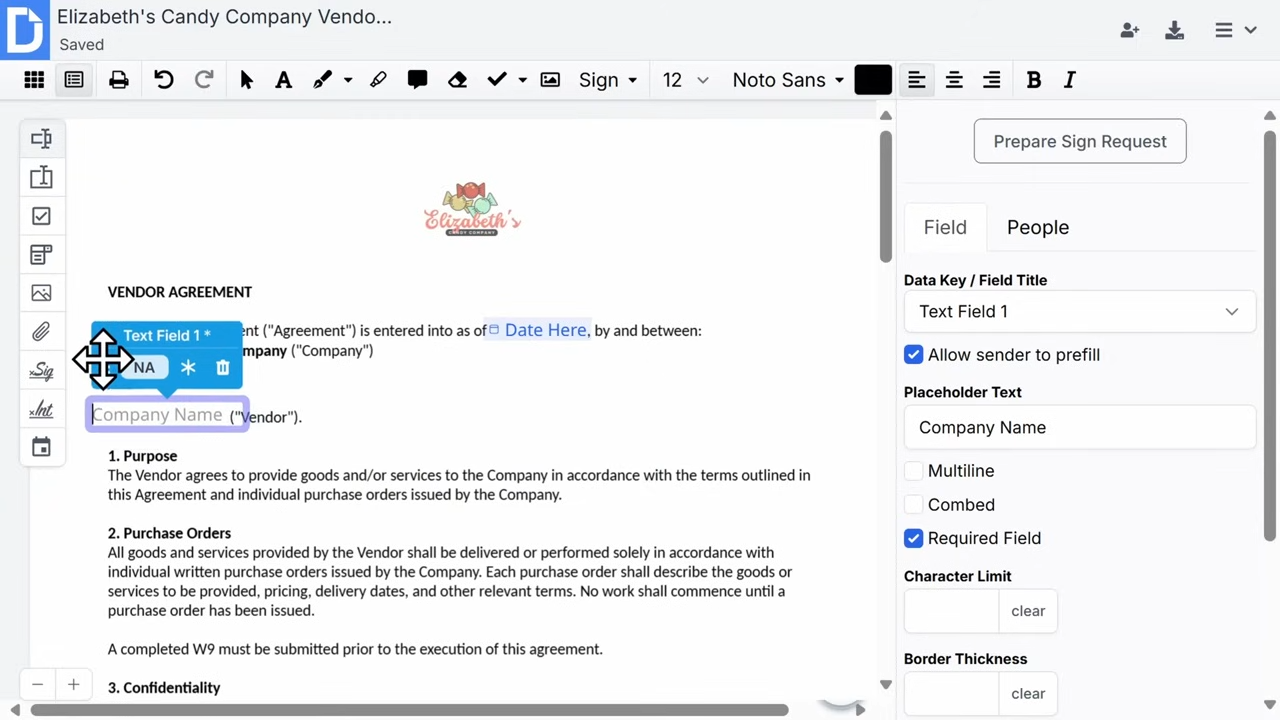
If you are looking for a slightly more lightweight solution—perhaps you need to edit the text of PDFs frequently before signing them—DocHub is a fantastic alternative. It integrates seamlessly into Google Workspace, allowing you to open a PDF from Gmail, sign it legally, and send it back in seconds.
Frequently Asked Questions (FAQs)
Are online signatures legally binding?
Yes. Under the ESIGN Act and UETA in the United States, electronic signatures are legally binding and hold the same weight as a traditional wet-ink signature, provided they meet specific compliance requirements.
How to legally sign a document online?
To legally sign a document online, you must use a compliant e-signature platform that captures an audit trail, authenticates the signer, and cryptographically seals the document. Tools like signNow or DocHub are perfect for this.
Can I sign legal documents electronically?
Absolutely. Almost all business and legal documents, including NDAs, employment contracts, and vendor agreements, can be signed electronically, with very few exceptions (like wills or specific court orders).

About the Author: Prosun
Prosun is a leading expert in digital compliance, business automation, and e-commerce infrastructure. With years of experience helping startups and SMBs navigate the complex world of online legalities, he specializes in finding practical, software-driven solutions for modern business operations.